
Browse People Permission for Confluence
CBPP_v5.0.5 CBPP_v5.0.4 CBPP_v5.0.3 CBPP_v5.0.2 CBPP_v5.0.0 CBPP_v4.4.0 CBPP_v4.3.2 CBPP_v4.3.1 CBPP_v4.3.0 CBPP_v4.2.1 CBPP_v4.2.0 CBPP_v4.1.1 CBPP_v4.1.0 CBPP_v4.0.3 CBPP_v4.0.2 CBPP_v4.0.1 CBPP_v4 CBPP_v3 CBPP_v2

User Guide

Confluence Browser People Permission

If you are a person who doesn’t have permission to view the “People Directory”, you could not see the button “People” in the top menu. And when you try to access the link “…/browsepeople.action” you will see this page:
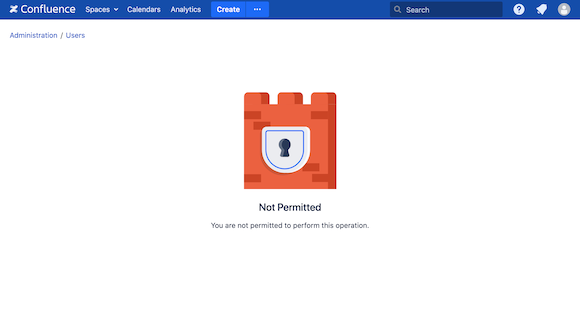
CBPP_highlight3_cropped_21_05_2021.png


Confluence Space Mentioning Permission

If you are a person who doesn’t have permission to mention the people who have at least View Space permission on this space, you could not search for the users by using the “@“ sign or using the user macros
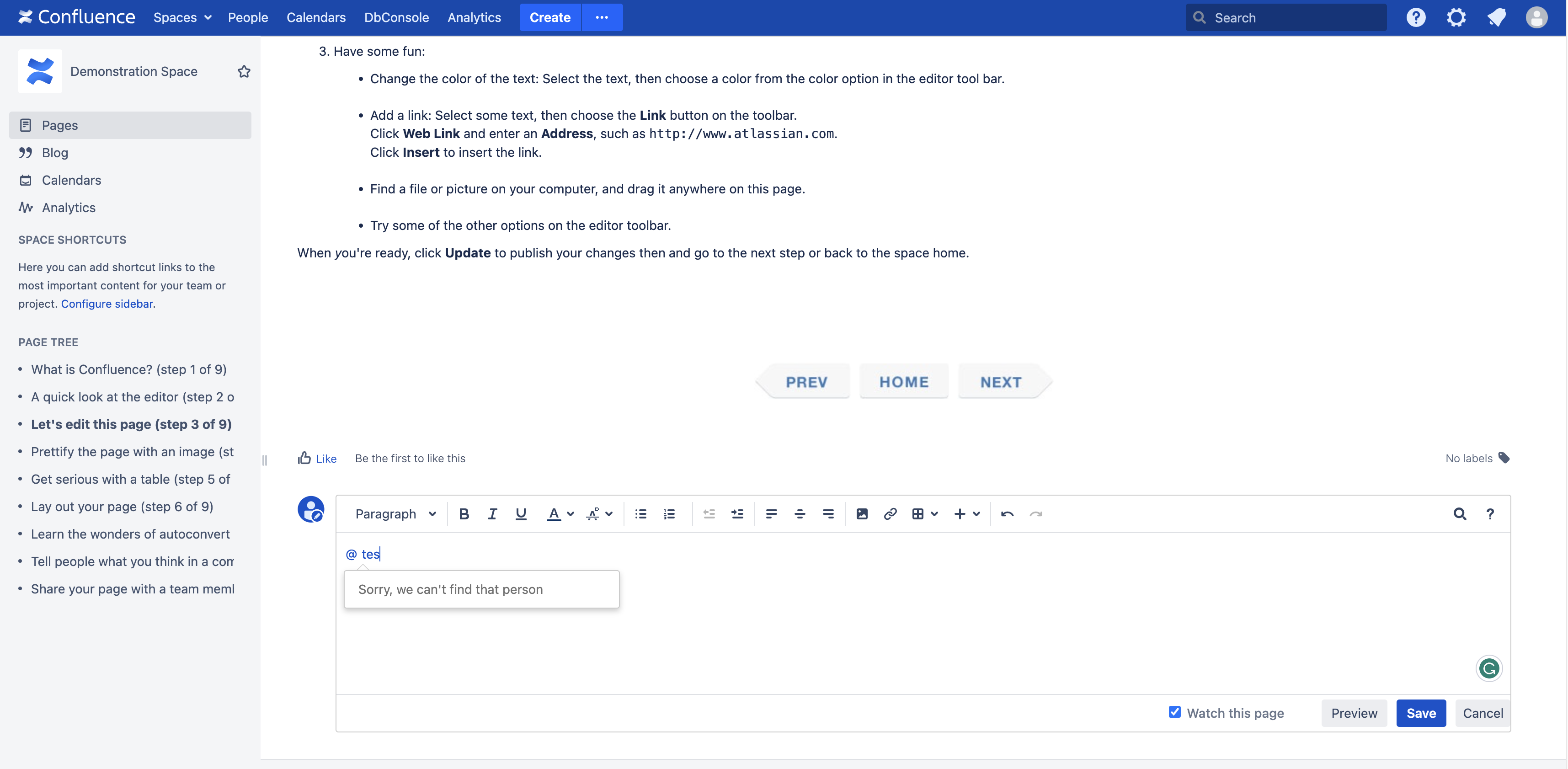
CBPP_screenshot_03.png