
What you will learn here
How to use feature Inbox Macro Manager
Following these steps for go to Inbox Macro Manager page:
-
Select :cog: > General Configuration.
-
Under section Confluence Browser People Permission select Configuration.
-
Select the tab Inbox Macro Manager.
Overview
There are some inbox macros that can cause information leaks (e.g.: User List macro). Therefore we give the Confluence administrators ability to turn those plugins on or off.
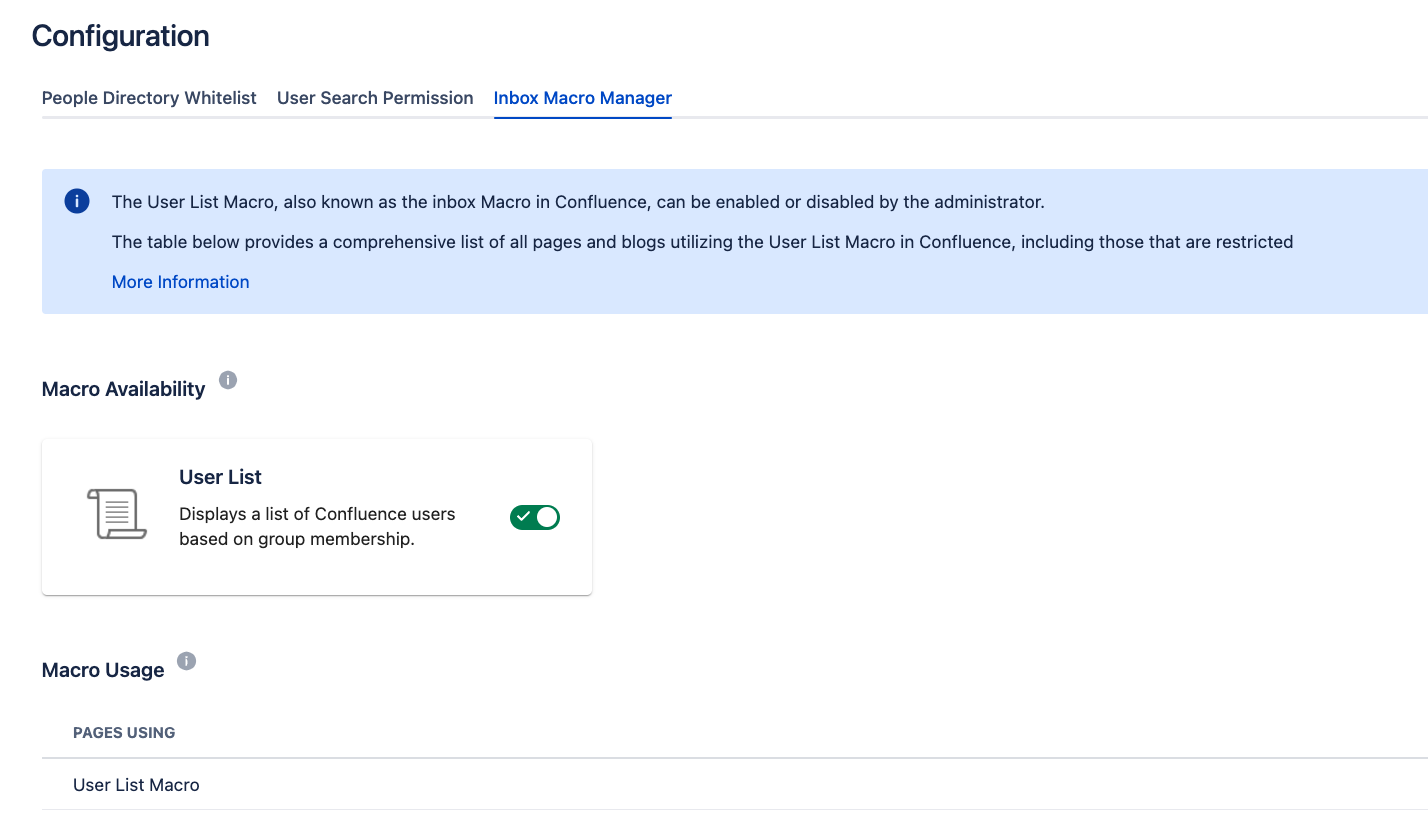
Macro Availability
To enable or disable a macro, simply toggle the switch beside the macro.
Macro Usage
We list all the pages using that macro for the Confluence administrator to check manually whether those pages can cause information leaks.