On this page
What you will learn here
On this page, you'll learn which fields our app supports for displaying information from picked issues in the current issue view.
You can customize which information to display from the picked up issue.
To do this, configure the custom field context settings as follows:
-
Go to :cog_icon: > Work items
-
Click Custom fields under the section Fields.
-
Click on your already created “Single Issue Picker“ or “Multi Issue Picker“
-
Edit “Context and default value”
-
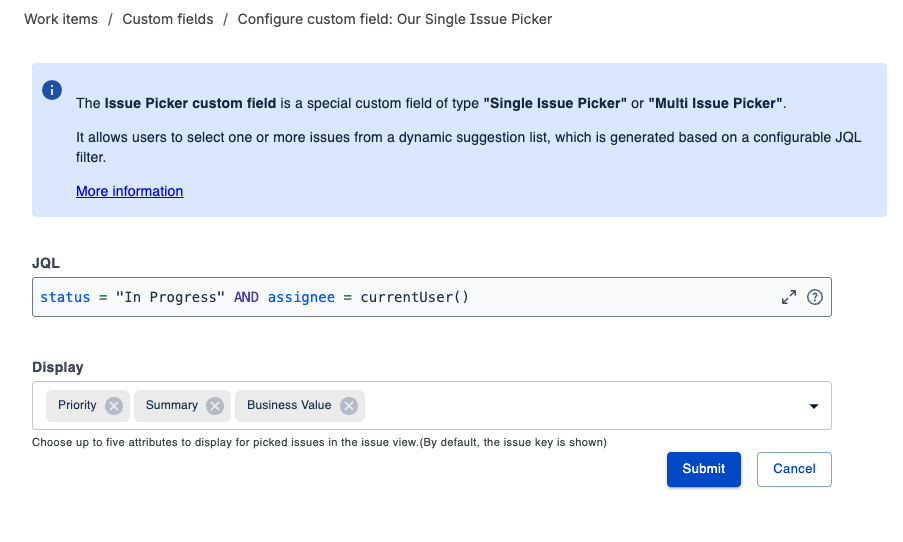
Click to “Edit custom field config“
-
Select issue information in field “Display”
-
System fields and Custom fields are supported to be selected
-
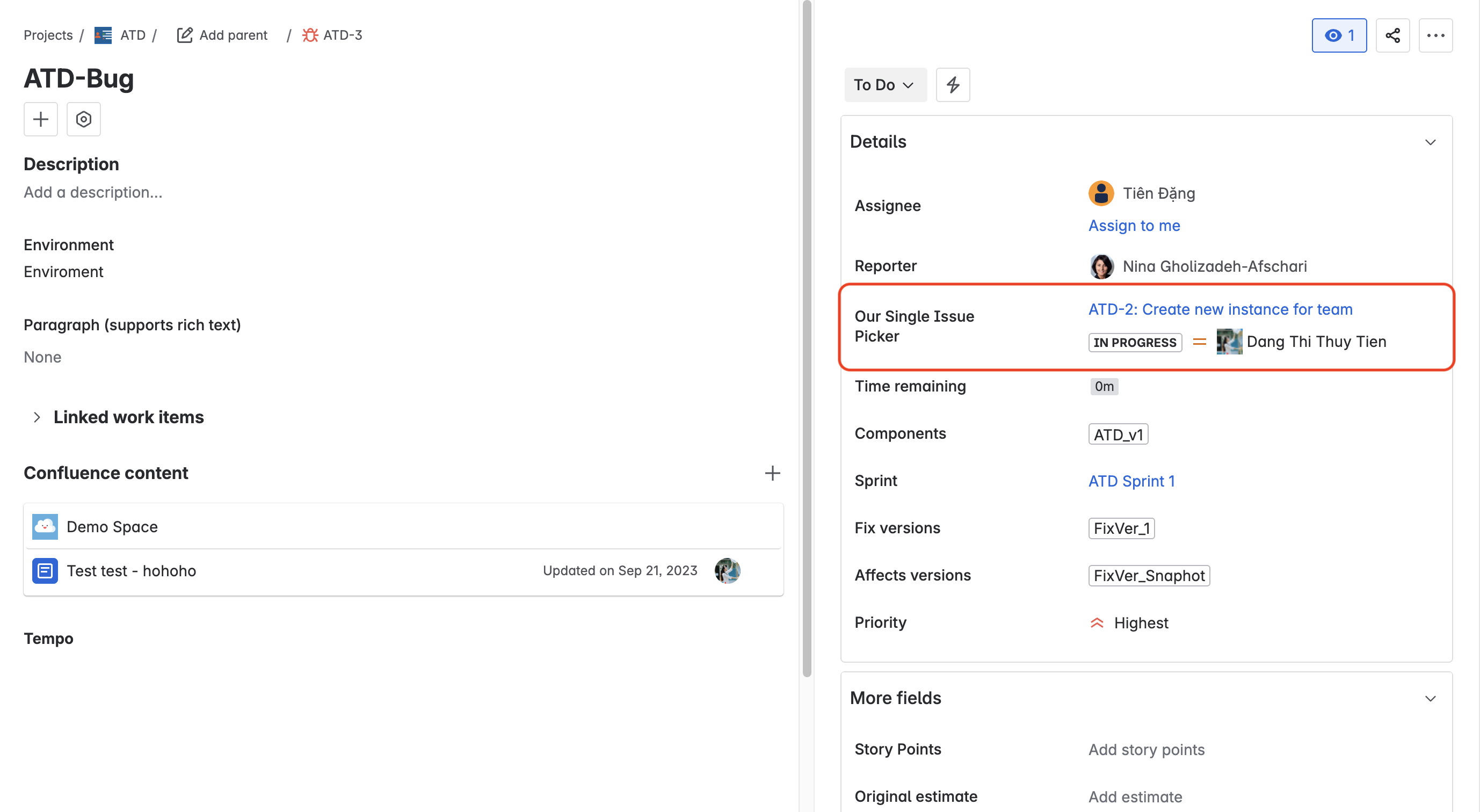
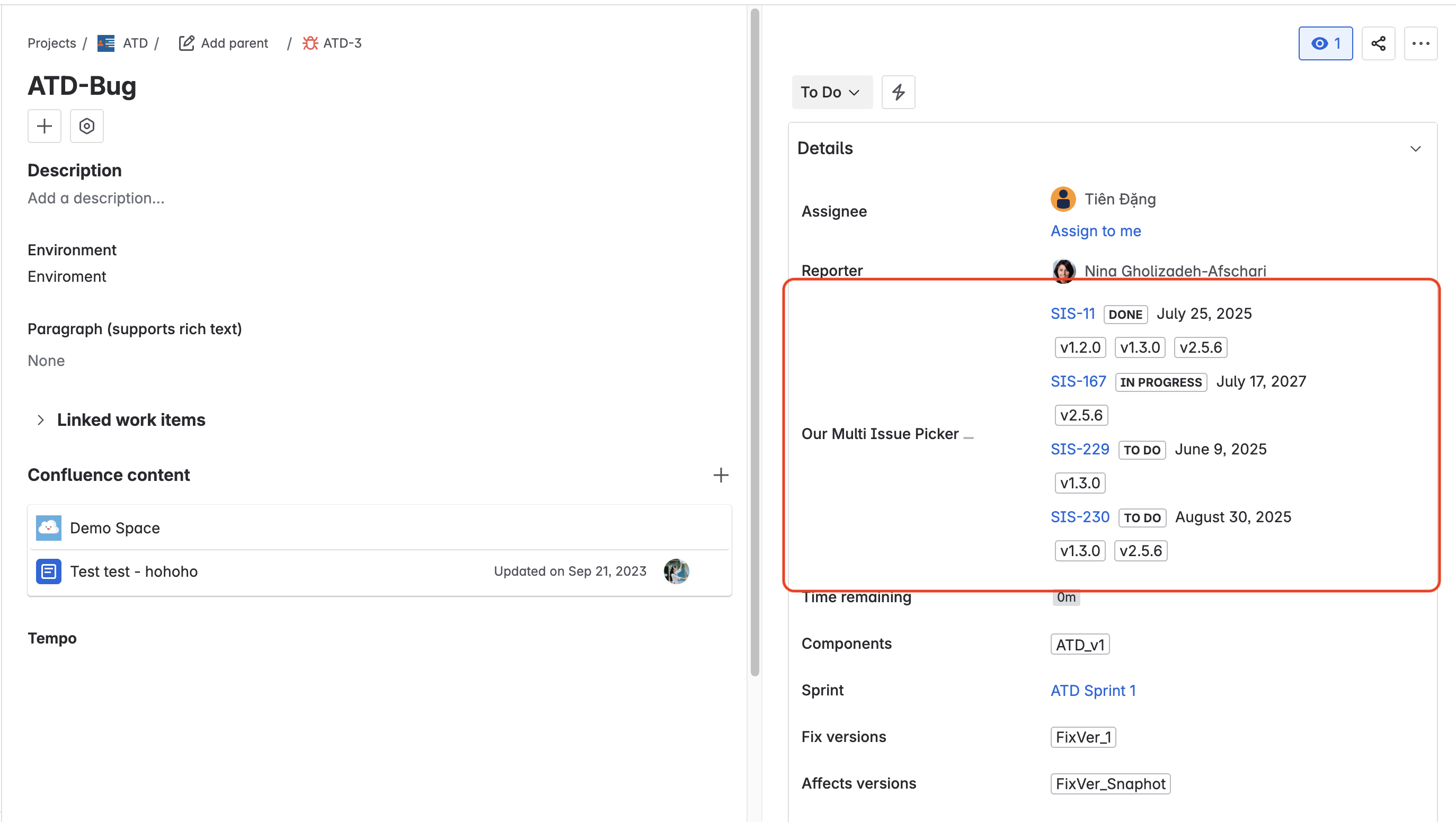
In the example below, you can see that the Issue Key, Summary, Status, and Assignee are displayed for the picked up issues: