
A Smart Issue Panel can export the content of the panel to Excel/CSV. The content should be:
-
The table of issue panel
-
The error, warning message of the panel
How to export:
-
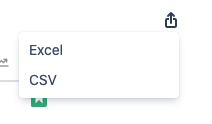
Click the icon :export_icon:
-
Select the type you want to export (Excel/CSV)
-
The export file will auto-download to your machine.
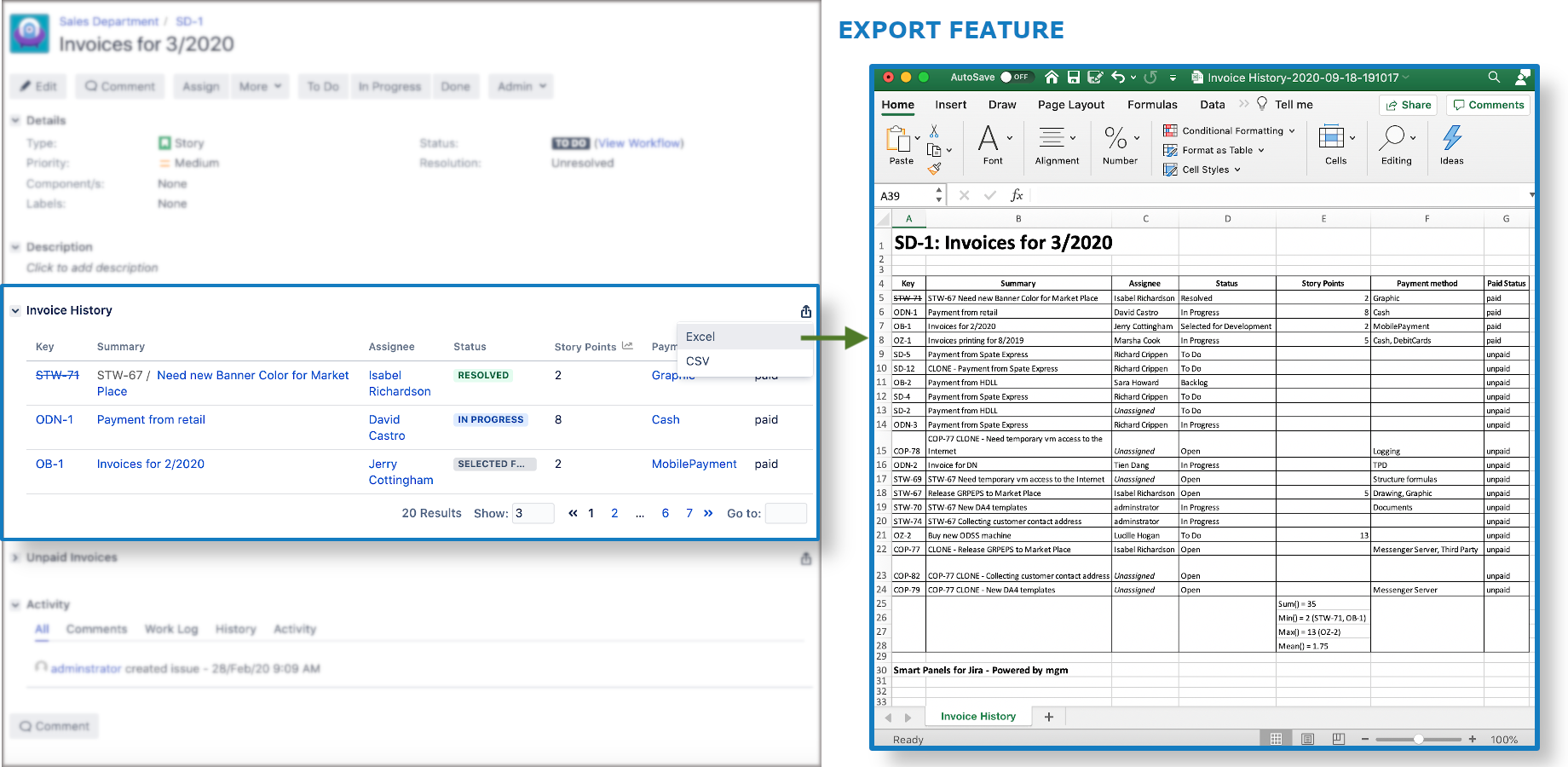
Structure of exported file:
-
File name: [panel_name]_[current_date_time].[type]
-
Layout:
-
Header: [Issue_Key]:[Summary]
-
Body: Panel Content
+ Issue Table:
[Table_header]
[Tabel_row]
[Statistics]
+ Error, warning message -
Footer: Smart Panels for Jira - Powered by mgm
-
Sample exported file: