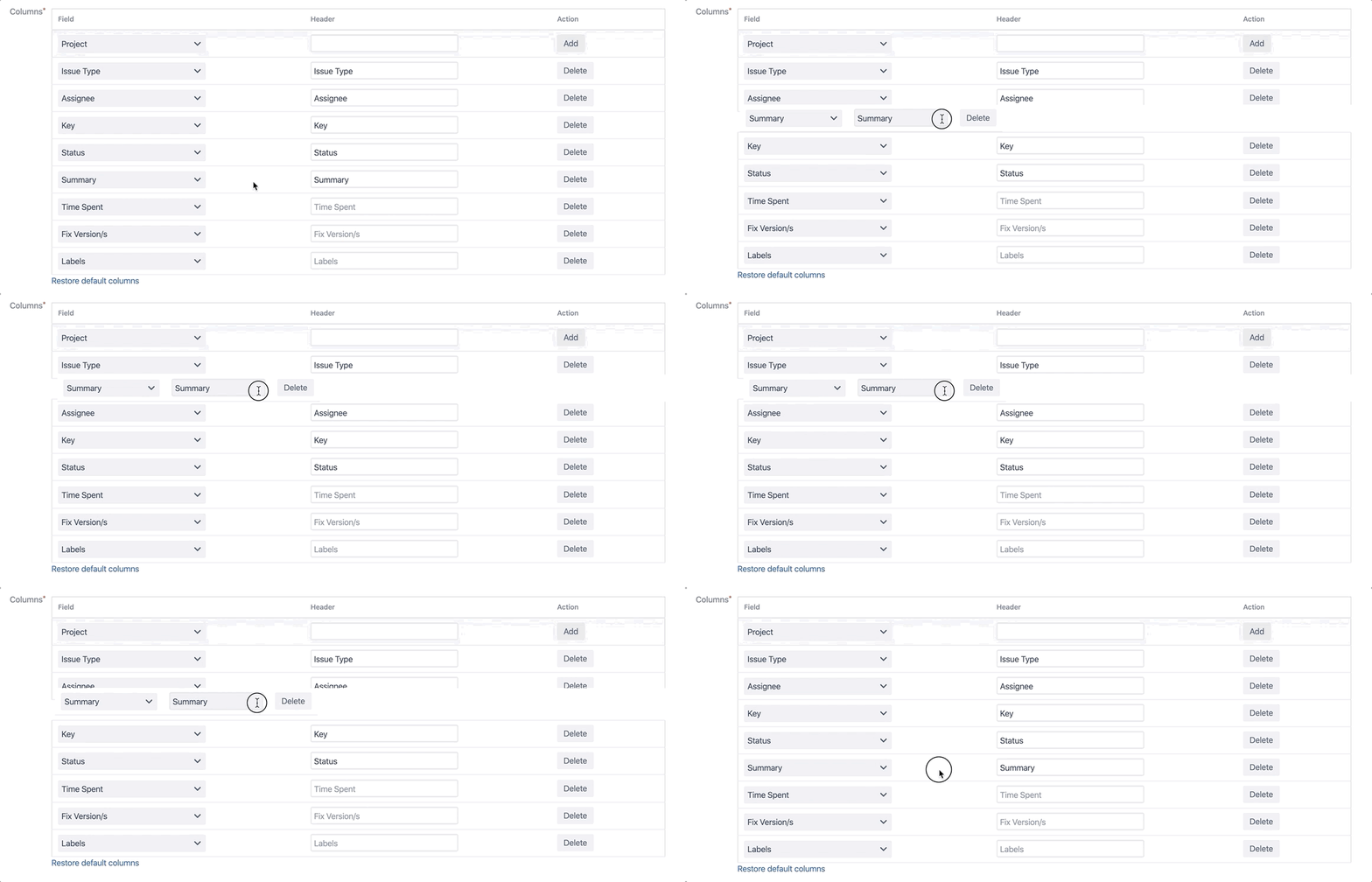
The column order can be changed by drag and drop in the panel configuration page. For this you must be a Jira administrator or a project administrator with panel editing permission.
-
Follow the steps in Editing an Issue Panel
-
Click and hold the column you wish to move and
-
drag it to the target location