
-
Reset to previous columns:
The "Reset to previous columns" link is shown whenever you edit/copy panels. If you click to "Reset to previous columns" link, the column field will reset again to previous columns (which were saved in the last time). -
Restore default columns:
-
Issue Panels & System Panels
If you click to "Restore default columns" link, the column field will restore to the set of columns: Issue Type, Assignee, Status, Key, Summary.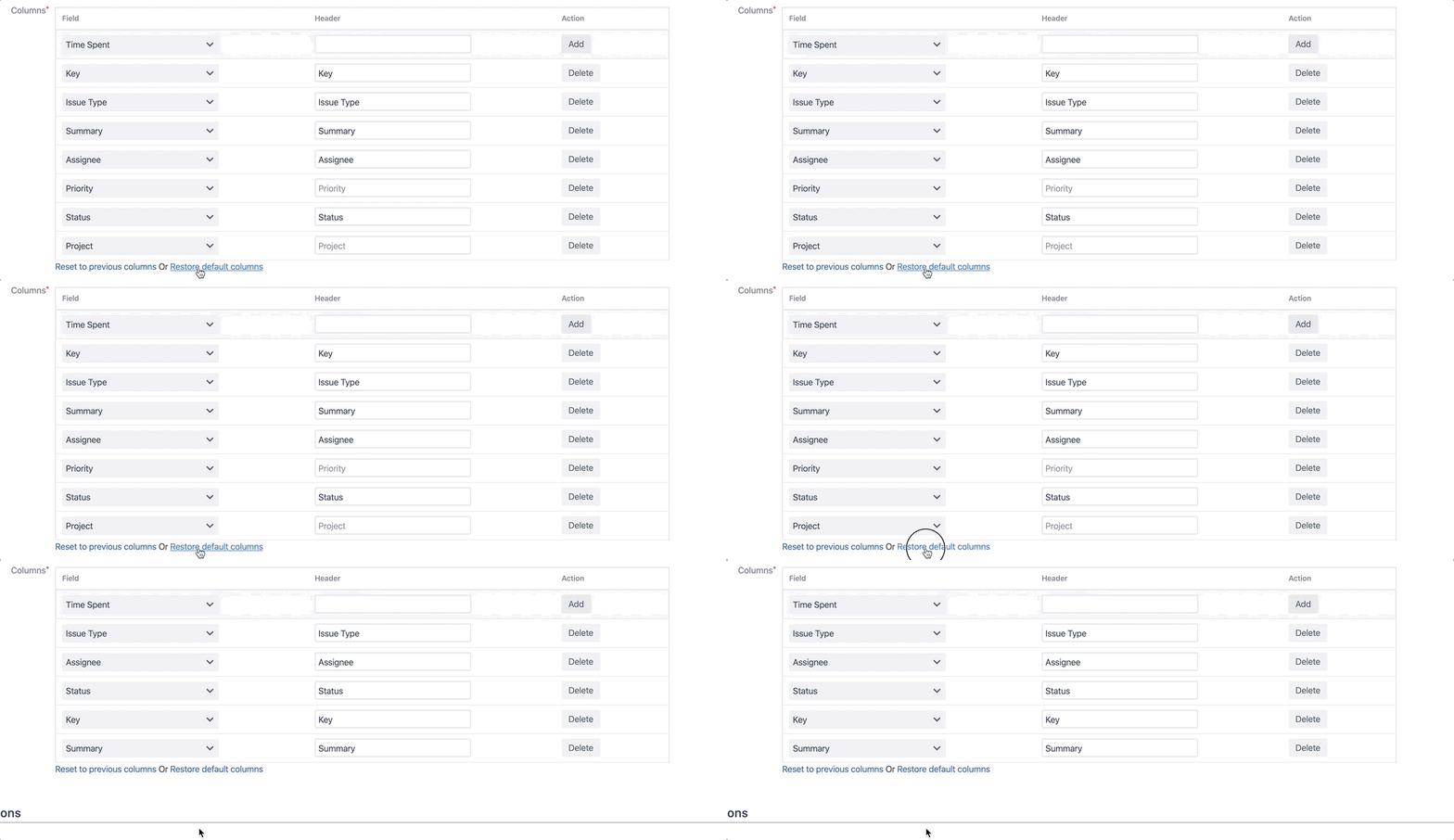
-
Wiki Panels
If you click to "Restore default columns" link, the column field will restore to the set of columns: Title, Creator, Created, Last Modified.