
In the left sidebar, select Version details.
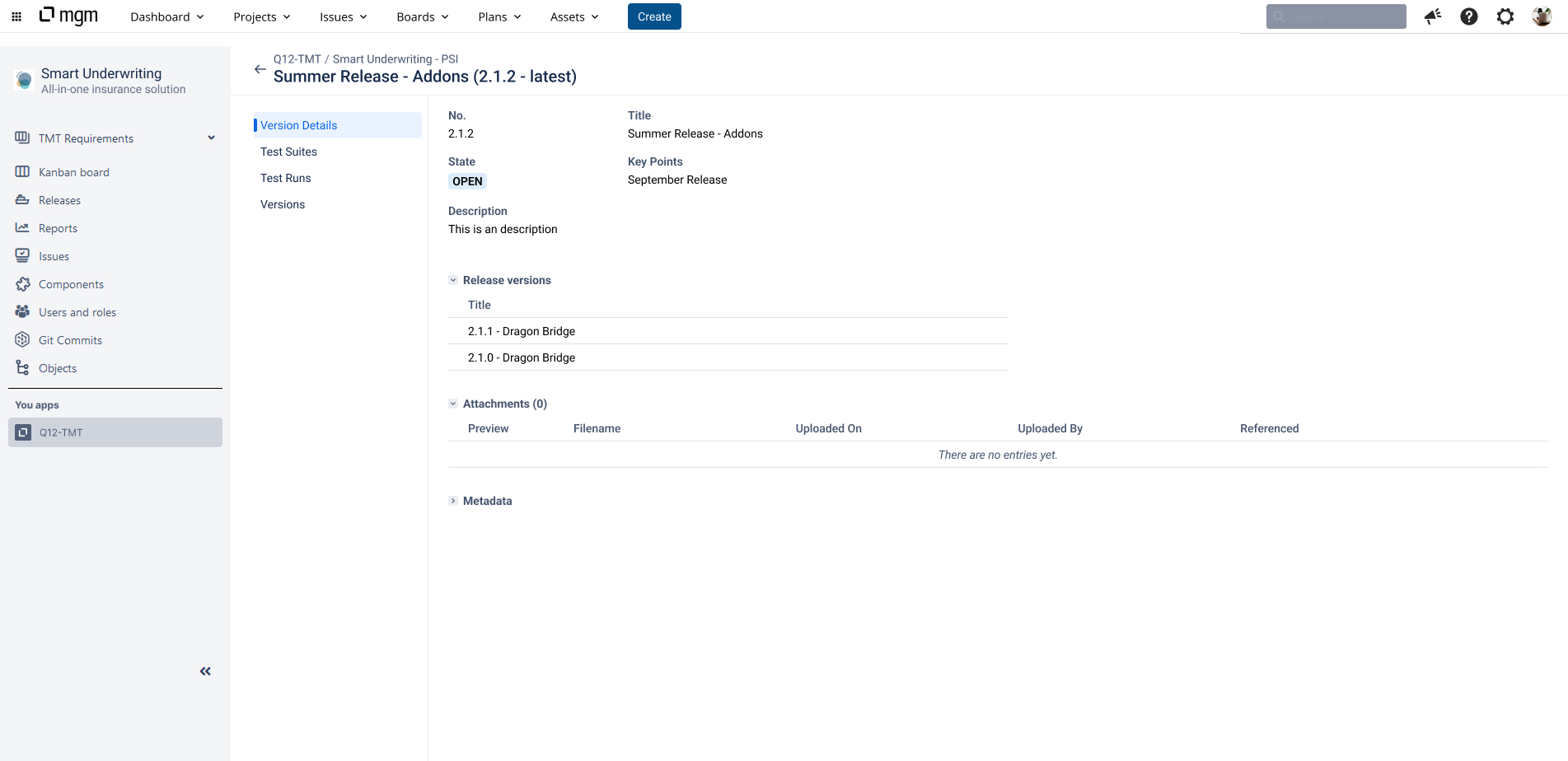
The Version Details open, with the version number, title, state, key points, description, attachments, release version and metadata.
Enter the software release number in the "Release Version" field. To calculate risk values for the "Release Scope" category, the stored release version must match both the software release under test and the "Fix Version" recorded in your ticketing system (e.g., Atlassian Jira or Azure DevOps).
The following functions are available in the view.
Toolbar:
-
Edit: Open the Version details in edit mode.
Only users with the Test Manager role (or higher) can edit the version details.
Updating the version state is only available in the Q12-TMT application.