
In the left sidebar, select Versions.
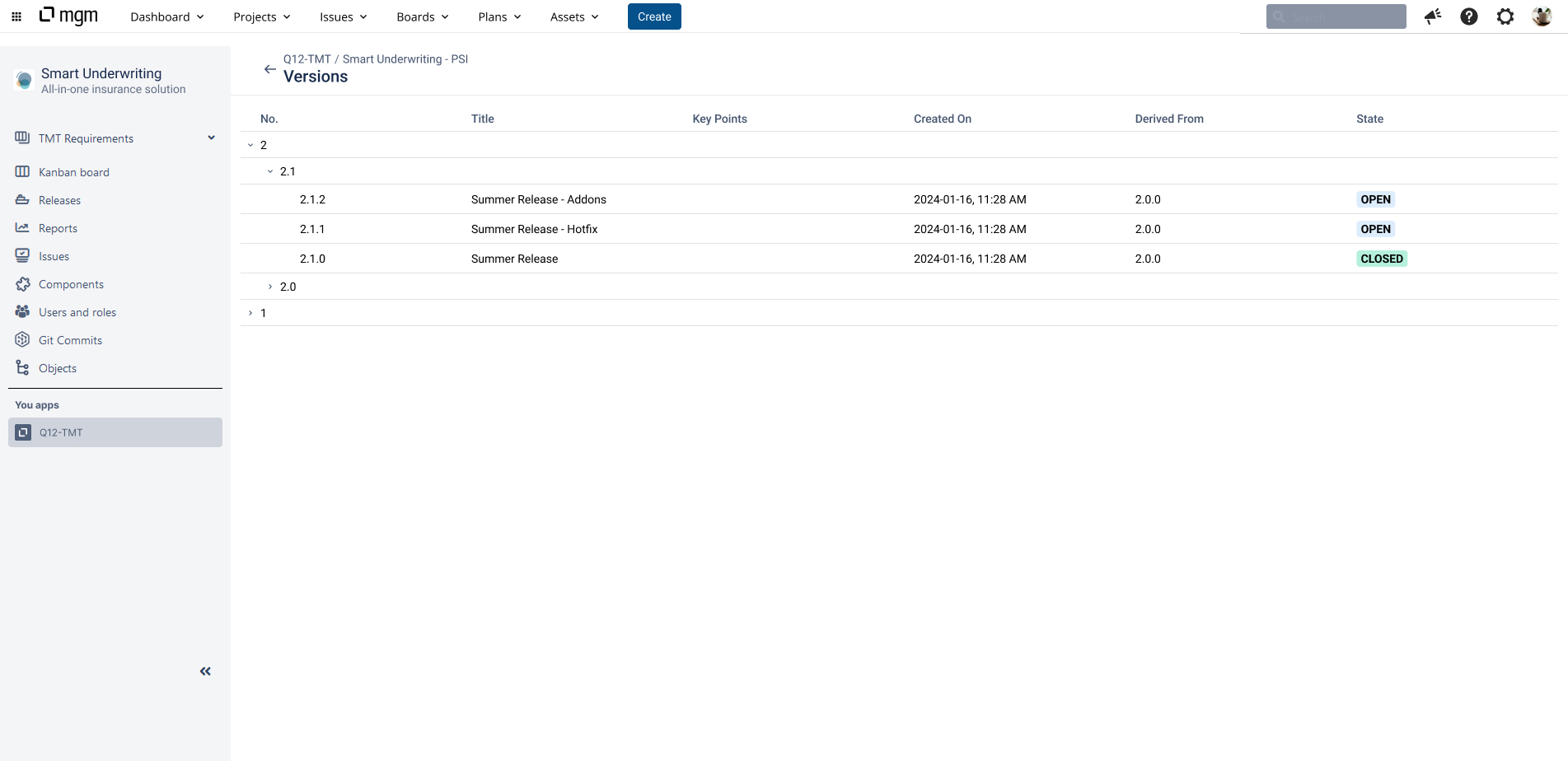
All existing Versions (open and closed) of the Project are displayed in a hierarchical structure. For each Version the number, title, key points, created on date, derived from date and state is displayed.
Click on a Version. The Test Suites of that Version opens.
Only users with the Test Manager role (or higher) can create new version in Q12‑TMT.
This feature is currently only available in the Q12-TMT application.