
In the left sidebar, select Test Suites.
In the Test Suites list opens. For each Suite the title, ID, automated Test Cases and Test Case in total is displayed.
A Test Suite is a collection of Test Cases that allows for hierarchical organization of those Test Cases. Users can select several Test Suites and choose which Test Cases to run together in a Test Run (see Test Suite selection).
The following functions are available in the view.
Toolbar:
-
+ Test Suite: Create a new Test Suite.
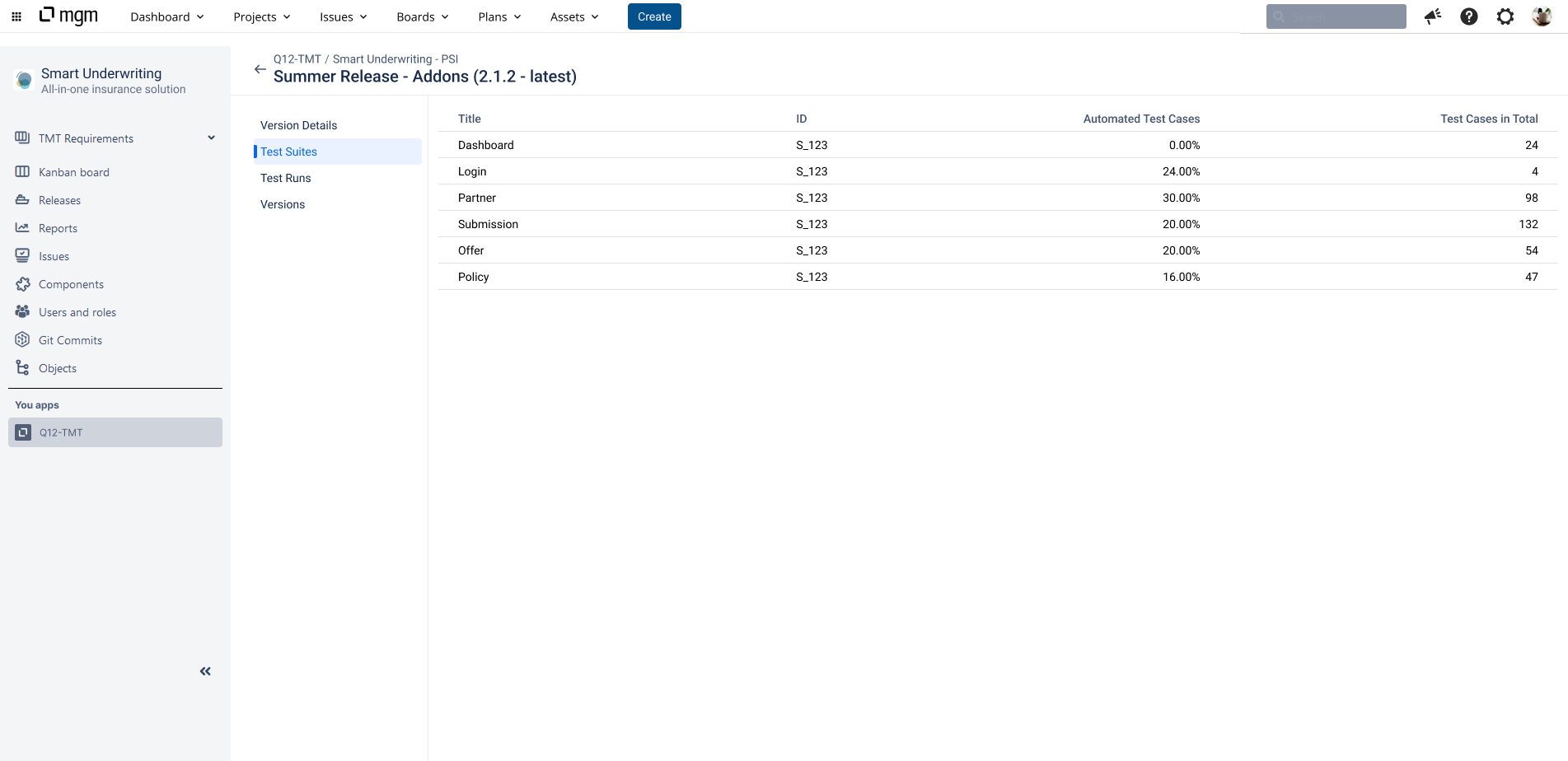
Select a Test Suite. The Test Cases tab opens.
Each Test Suite is organized into three tabs:
-
Overview: Details about the Test Suite and its content.
-
Test Cases: A hierarchical tree of folders and Test Cases in the Test Suite.
-
Related Test Runs: All Test Runs that include this Test Suite, including Test Runs from other Versions of the Project.