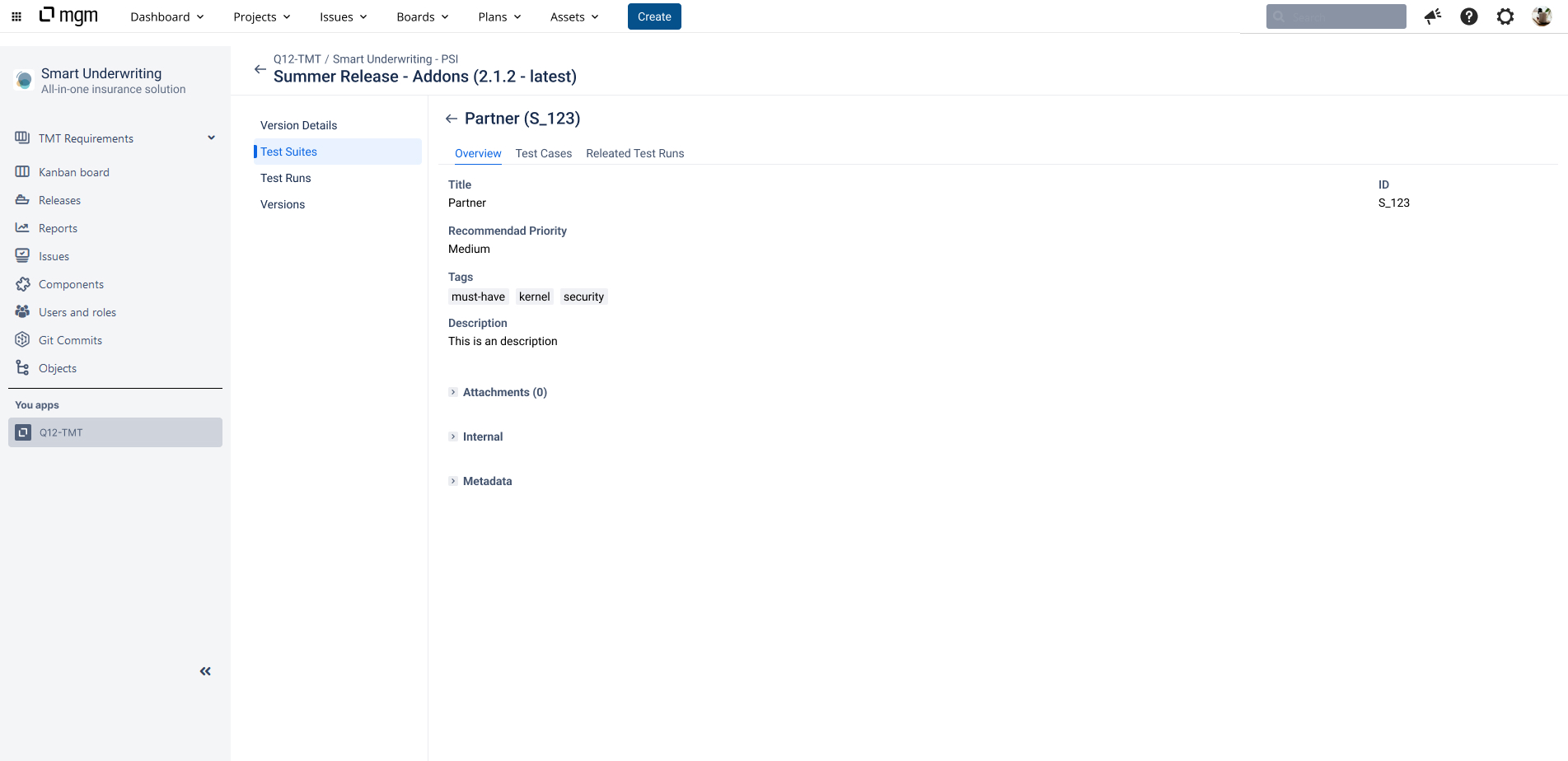
In the Test Suite form header menu, select the “Overview” tab.
The overview displays the title, ID, recommended priority, tags, description, attachments, internal data and metadata.
Each Test Suite has a priority, set to “Medium” by default.
In the internal section, for example, the user can specify time booking information for the Test Suite. The metadata section displays the created/updated time, version and execution data for the Test Suite.
The following functions are available in the view.
Toolbar:
-
Edit: Open the Test Suite overview in edit mode.