
Select the test suite to see the Test Cases that are already added to the Test Run. This overview shows the Test Case title, ID in Run, ID, assigned tester and assignee, tags, the test result and linked defects.
The following functions are available in the view:
Toolbar:
-
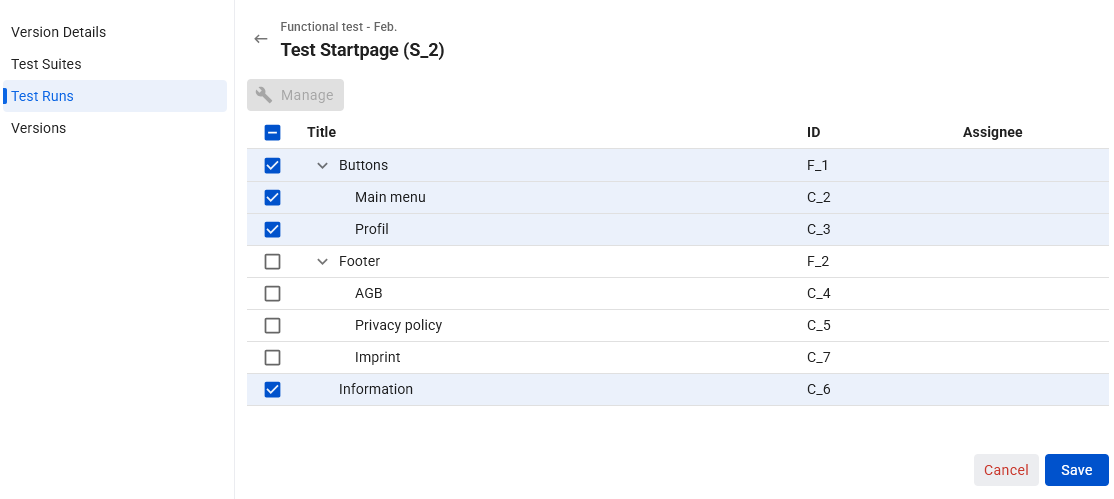
Manage: Open the Test Case selection in edit mode.
For each selected Test case, at the end of the row:
-
Execute Test: Opens the Test Case in Run in execution mode.
To add or remove Test Cases or folders, click the "Manage" button and select or deselect Test Cases or branches of the tree to include or exclude in the Test Run.
To prevent concurrent working, some functions may be temporarily locked.