
📘 What you will learn here
On this page you will learn what Sync Bridge shows on a synced work item and what you can do there, with no Jira admin rights needed.
On a work item, Sync Bridge adds two things:
-
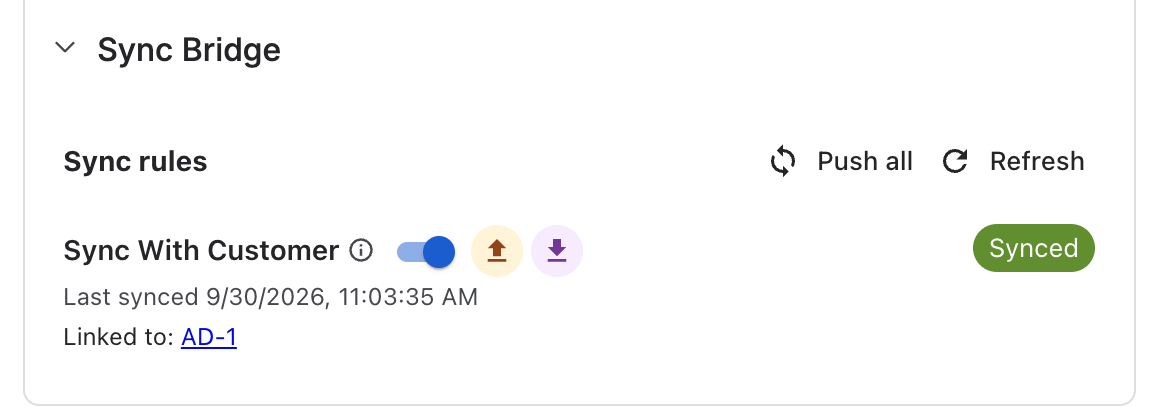
Sync Bridge panel: shows each sync rule that applies to the work item, its sync status, and the linked work item on the other Jira site. If your admin allows it, you can turn sync on or off for the work item here.
-
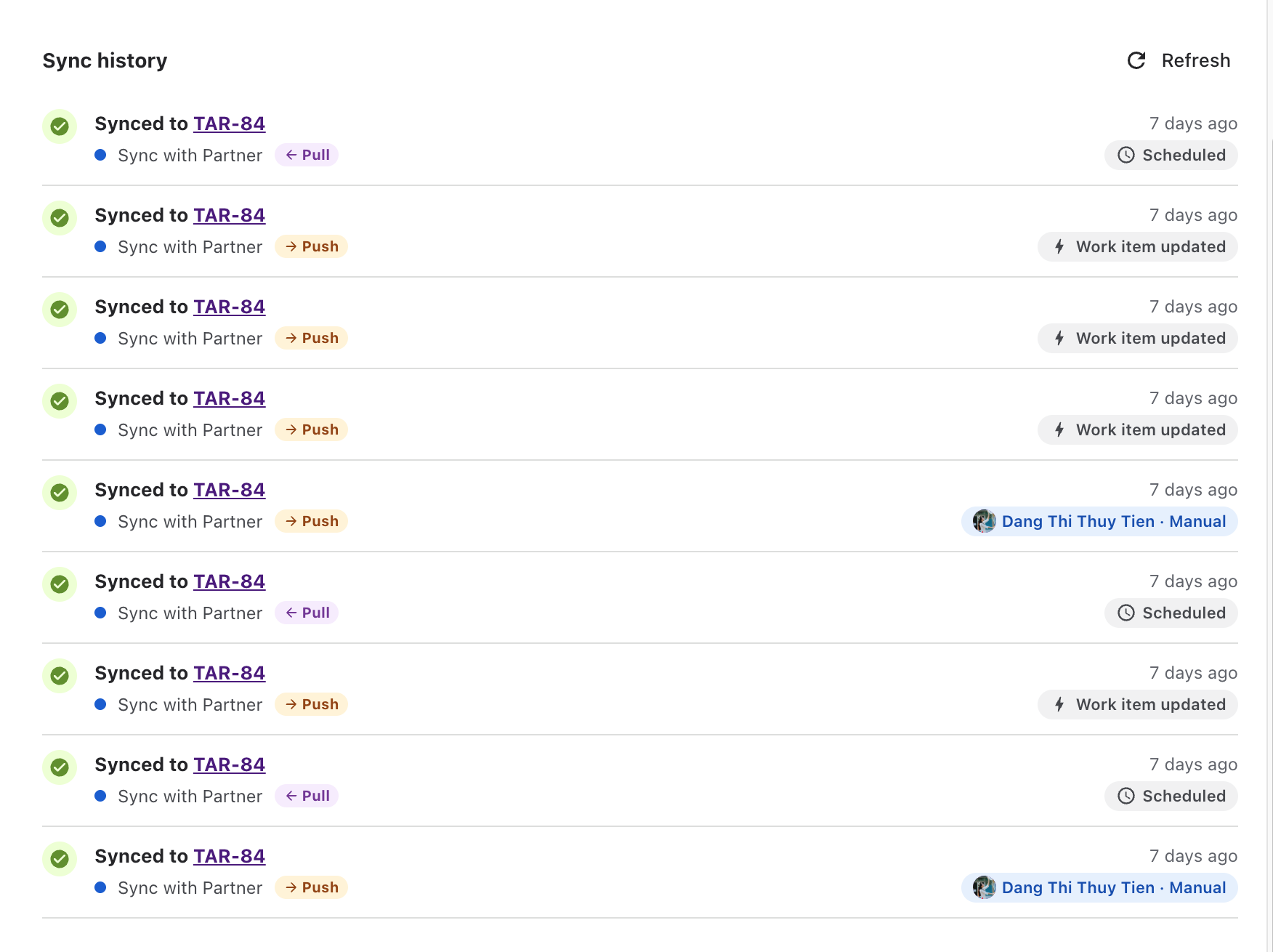
Sync history tab in the Activity section: a timeline of what was synced, when, in which direction, and what started it.
Sync rules, connectors and permissions are set up by Jira admins. See the Administrator Guide.